Space9 Mobile Website and Installable Web App
 Available in AU
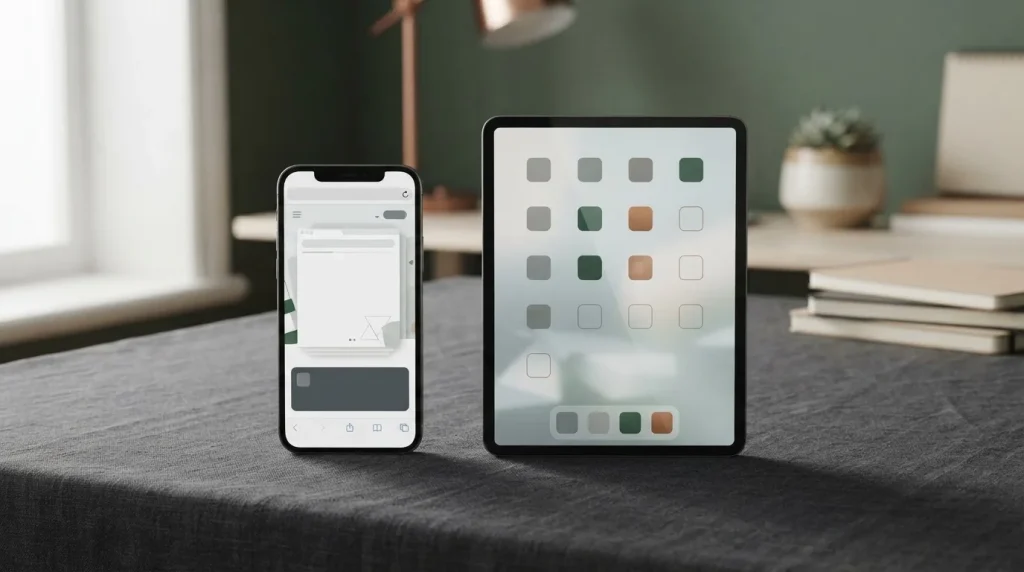
Space9 operates a responsive HTML5 casino website designed to work in phone browsers on iPhone and Android. The site includes an “Install Space9 App” entry associated with a progressive web app (PWA) configuration. In practical terms, this is a web-based way to access the casino interface, with a home-screen shortcut that behaves differently from a fully separate native application.
The mobile format matters across three activities: viewing pokies or live tables, maintaining an authenticated account session and switching between the casino, a banking service and a payment intermediary. The phone screen can display the same underlying account service while showing only one part of a multi-stage transaction at a time. For those who need the account rules rather than the screen layout, the SMS login and session-security explanation covers phone credentials. The pokies and live-table overview covers the actual game mechanics rather than the mobile interface.
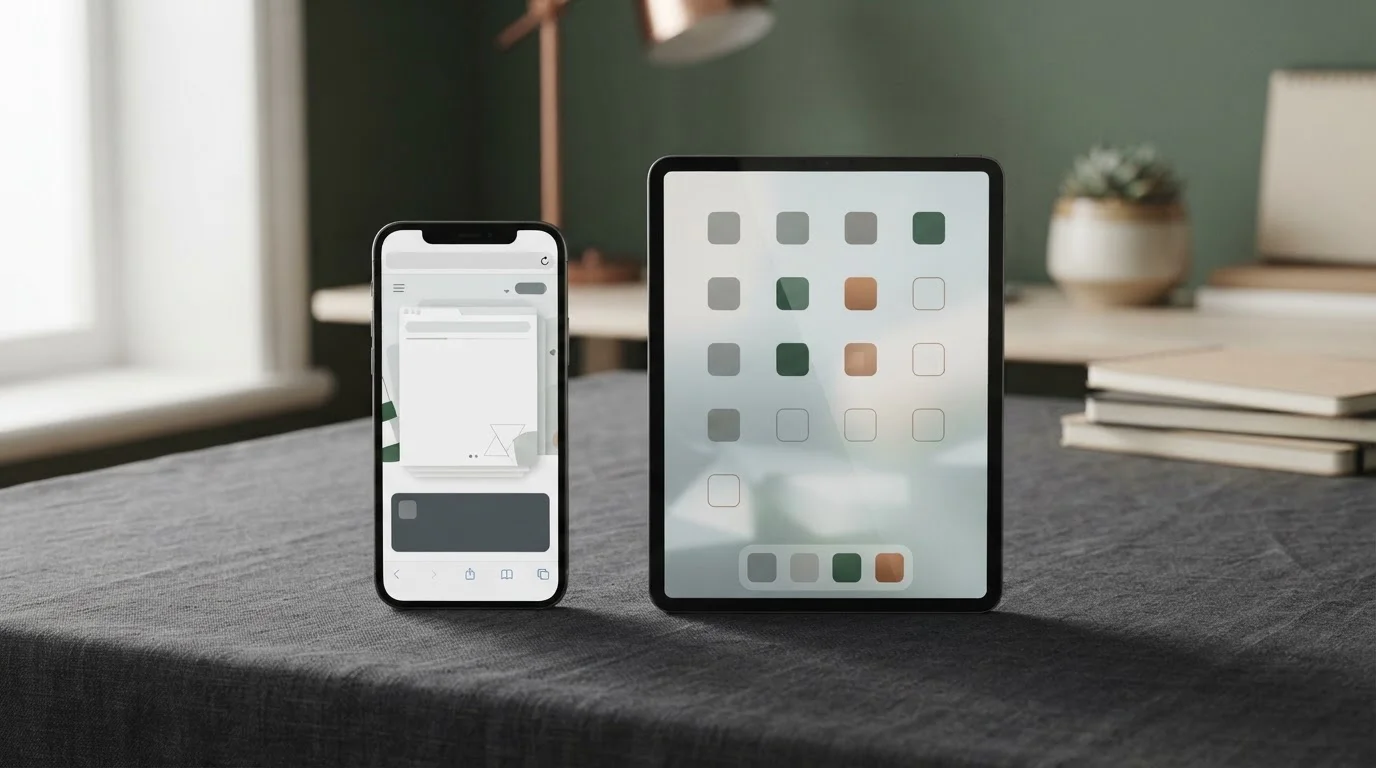
Table of Contents
- A browser-first platform with an installable shortcut
- Session changes when a phone becomes the main device
- How iOS and Android shape the same service
- Banking apps and the mobile cashier use separate steps
- Pokies, live tables and support on compact screens
- Frequently asked questions
- Browser-first access keeps the mobile experience consistent
A browser-first platform with an installable shortcut
Space9’s mobile interface is an HTML5 website, with a progressive web app configuration and an “Install Space9 App” prompt in the site’s header. The PWA format builds on the browser: the user interface is delivered through web technology, while an installed shortcut makes it easier for the device to reopen the same service. The underlying account identity, payment rules and game catalogue remain part of the Space9 platform rather than becoming a new account simply because a home-screen icon was added.
On iOS, adding a website or compatible web app to the home screen depends on the browser and operating-system controls available on that device. On Android, the browser can present an installation or add-to-home-screen action for supported web apps. The exact wording is a device and browser feature, not a separate Space9 wagering condition. The important distinction is between where an icon lives and where the service runs.
Web-app shortcuts and native installations do different jobs
| Component | Browser or PWA behaviour | What it changes for the user |
|---|---|---|
| Service interface | Pages and controls rendered using web technologies | The site can adapt its layout to a phone-sized viewport. |
| Home-screen shortcut | Launches the website or supported PWA experience | Changes the entry point on the device rather than the account’s rules. |
| Updates | Web content is normally served through the website | Changing pages does not require a separate game-store listing for each update. |
| Authentication | Remains tied to the platform’s sign-in system | A shortcut is not a substitute for mobile-number and password checks. |
Some progressive web apps can cache interface assets or manage a limited amount of offline content. That general technical capability should not be confused with offline gambling functionality, live tables or a payment approval being available without a connection. Space9’s live streams and account transactions remain online activities.
For judging the mobile design, the useful questions are whether the relevant pages are legible, whether a keyboard covers an important input and whether the session survives a move to a banking screen. These affect the real task more than the presence of an “app” label beside a shortcut.
Session changes when a phone becomes the main device
Space9 describes mobile-number login and password recovery by SMS one-time password. It also restricts concurrent device sessions. A person moving between an iPhone, another Android handset and a laptop can therefore face session-management rules separate from the phone’s local home-screen settings. A shortcut icon may be present on two devices without creating permission for two simultaneous authenticated sessions.
Browser tabs and web-app windows can also behave differently when a phone interrupts or suspends them. Opening an external payment window, taking a phone call or switching to an SMS app can move the original page into the background. That is a common mobile operating-system behaviour; it does not mean the casino has approved, rejected or settled a transaction. The account and payment process have their own states.
Three credentials with three distinct uses
- Registered mobile number: the account identifier used in Space9’s described login and recovery process.
- Password: the ordinary secret for accessing the account’s existing session.
- SMS recovery code: a temporary confirmation channel used for regaining access; it is not a banking approval token.
The security distinction becomes visible when two processes happen at the same time. Someone can correctly recover a password and still be subject to an identity or name-match check at withdrawal. Conversely, a payment intermediary may finish a funding step while the browser is no longer displaying the casino tab. Neither event is evidence that both systems have fully completed their separate checks.
If a mobile session is interrupted, the most useful distinction is the last completed action. A login code validates a phone-number step, a transfer receipt records payment initiation, and a withdrawal status concerns review by the platform. Each belongs to a separate stage. Space9’s account verification and single-session rules explain why opening a replacement account is not an ordinary remedy for losing access on one device.
Temporary codes and personal account documents require care on shared phones. Lock-screen previews, copied SMS text and saved browser credentials can expose sensitive details to another device user. Those are general mobile-security considerations that apply to the web app format independently of the casino’s own marketing.
How iOS and Android shape the same service
The Space9 mobile site is designed for iPhones, iPads and Android devices through responsive browser technology. That means the central account and game service can be reached from different screen sizes without requiring a separate platform-specific game catalogue. The browser’s rendering engine and the physical screen still influence how controls are presented, particularly for live streams, multi-field forms and game interfaces designed around wider aspect ratios.
A home-screen icon is a navigation aid rather than a different payment account. When an iPhone browser opens the site and when an Android web-app shortcut opens it, both routes lead into the same kind of web service. Local browser data, session settings and operating-system permissions may differ between devices, which helps explain why a login can behave differently after a device change even though the account itself has not changed.
Tasks that reveal small-screen differences
- Game launch: a portrait-phone viewport has less room for reel details or a live table’s betting layout than a desktop display.
- Document review: identity-related forms demand accurate data entry; text input and file selection depend on the phone’s keyboard and system controls.
- Support conversations: a chat pane can compete for screen space with a transfer confirmation or the account history.
- Switching services: a payment gateway or banking application can move the casino tab into the background while the transaction is being handled elsewhere.
Space9 lists mobile access to pokies and live-dealer games. A live roulette or baccarat table combines streaming video with game controls and account information; resizing those elements can change the number of actions visible at once, but it does not change the game’s theoretical rules. Similarly, a slot’s published return-to-player percentage is a long-run model of its game mathematics, independent of whether the reels are displayed on a small handset or a monitor.
The Space9 games and RTP figures covers named JILI and BNG titles along with live blackjack, roulette and baccarat. Device compatibility explains the presentation layer; the game rules and risk exposure still come from the individual title.
Banking apps and the mobile cashier use separate steps
Space9 describes AUD deposits through PayID and OSKO bank transfers, along with Visa, Mastercard, Apple Pay, Google Pay and Skrill through an Amopay gateway. Crypto funding is also listed for BTC, ETH, TRX, BNB, USDT and USDC. On a phone, these methods can involve switching between the casino, a bank app, an external checkout and sometimes an SMS verification view. The sequence is a chain of distinct services, not a single tap with a guaranteed final result.
For PayID or OSKO, the funding instructions involve a transfer to a designated bank account, entry of the correct amount and receipt confirmation. A bank-app record is evidence of a transfer instruction; crediting the casino balance is a later step controlled by the receiving system. The difference is worth preserving whenever a mobile page loses focus or a receipt is saved outside the casino session.
| Route | On phone | Key factor |
|---|---|---|
| PayID / OSKO | Bank app, receipt | Credit follows bank confirmation |
| Card / wallet | Amopay checkout | Payment verification |
| Crypto | Wallet transfer | Network fees, confirmation and price moves |
Blockchain transactions are different from bank transfers in two ways: network fees and asset values can vary, and a submitted on-chain transfer cannot ordinarily be recalled. A phone wallet may display the originating transaction immediately while the receiving service waits for confirmations. No fixed waiting time should be inferred from the presence of a transaction identifier or an animated payment status.
The same identity rule follows the account across devices: Space9 requires the full registered name to match banking details for payouts. Mobile convenience does not replace that check. The main payment-method explanation separates funding methods from approval and transfer mechanisms, while the withdrawal article addresses the additional payout requirements.
Pokies, live tables and support on compact screens
Space9’s mobile lobby covers pokies and live-dealer categories, including live blackjack, roulette and baccarat. The browser layout compresses elements that may be spread across several regions of a desktop screen: game information, the wagering area, balance and support access. A smaller display can change visibility and touch accuracy, although it cannot alter a game’s mathematical return simply through the size of its controls.
Slot formats also place different demands on a phone interface. A classic three-reel game has a simpler visual field than a five-reel video slot with cascades, multiplier sequences and extra feature panels. Live-table streams bring video, stake selection and action feedback together, so network connectivity and screen orientation influence the experience independently of the underlying game rules.
Readability, interruptions and exposure
- Readable terms: payment minimums, rollover conditions and account notices should be understood as separate from animations on the game screen.
- Interruptions: a switch to a bank application or a support conversation may hide the main browser view without cancelling the activity behind it.
- Touch targets: cramped betting controls can make an input error more likely than on a wider screen.
- Session duration: the ease of reopening a shortcut does not remove the need for time or loss boundaries.
Space9 describes 24/7 live chat plus Telegram, WhatsApp and Facebook contact channels. On a phone, these channels can be convenient to reach while the main interface is open, yet a message thread and a recorded account action remain different forms of evidence. Support dialogue does not itself prove that a transfer has cleared a bank or that a protective account restriction has taken effect.
The platform also describes deposit, loss and session-time limits together with cooling-off and self-exclusion controls. They apply to the underlying account rather than to a particular screen size. A home-screen shortcut can shorten the time needed to reopen the service, but the financial risks of gambling and the value of session controls do not change with that convenience. Gambling Help Online and the national phone helpline are listed in the footer as independent support options.
Frequently asked questions
Does Space9 work on iPhone and Android?
Space9 uses a responsive HTML5 browser platform for iPhone, iPad and Android devices, with a progressive web app shortcut option.
What does the Install Space9 App option do?
It refers to the platform’s installable web-app experience. A home-screen shortcut is an entry point to the browser-based service, not a separate account or payment system.
Does the shortcut change my login credentials?
No. Space9 account access still relies on its mobile-number and password workflow, with SMS one-time codes used for recovery.
Can different devices hold simultaneous Space9 sessions?
Space9 describes restrictions on concurrent device sessions. Switching phones or moving to a computer can therefore affect session access.
Which games are available in the mobile interface?
Space9 lists pokies as well as live blackjack, live roulette and live baccarat for desktop and mobile browser use.
How do PayID and crypto deposits differ on a phone?
PayID and OSKO use bank-transfer steps, while crypto deposits use a wallet transaction and blockchain confirmation. Both can involve moving between the casino interface and another service.
Browser-first access keeps the mobile experience consistent
Space9’s mobile product is built around a responsive website and an installable PWA shortcut. The same account structure, pokies and live categories and mixed AUD/crypto funding routes remain in view, whether the browser is opened directly or from a home-screen icon. The icon changes the access path, not the rules governing identity, payment settlement or play.
The decisive mobile differences come from the surrounding device: session handling, switching to banking apps, SMS recovery, touch controls and the visibility of account restrictions on a compact display. A phone can make those stages feel contiguous even when they remain technically separate. Understanding that separation gives a more useful picture of Space9’s mobile experience than treating the shortcut as a new kind of casino account.